How to Tell if an Etsy Artist Uses AI

15% off on product page · save $2.12
How to Tell if an Etsy Artist Uses AI
Look at the Artwork Closely
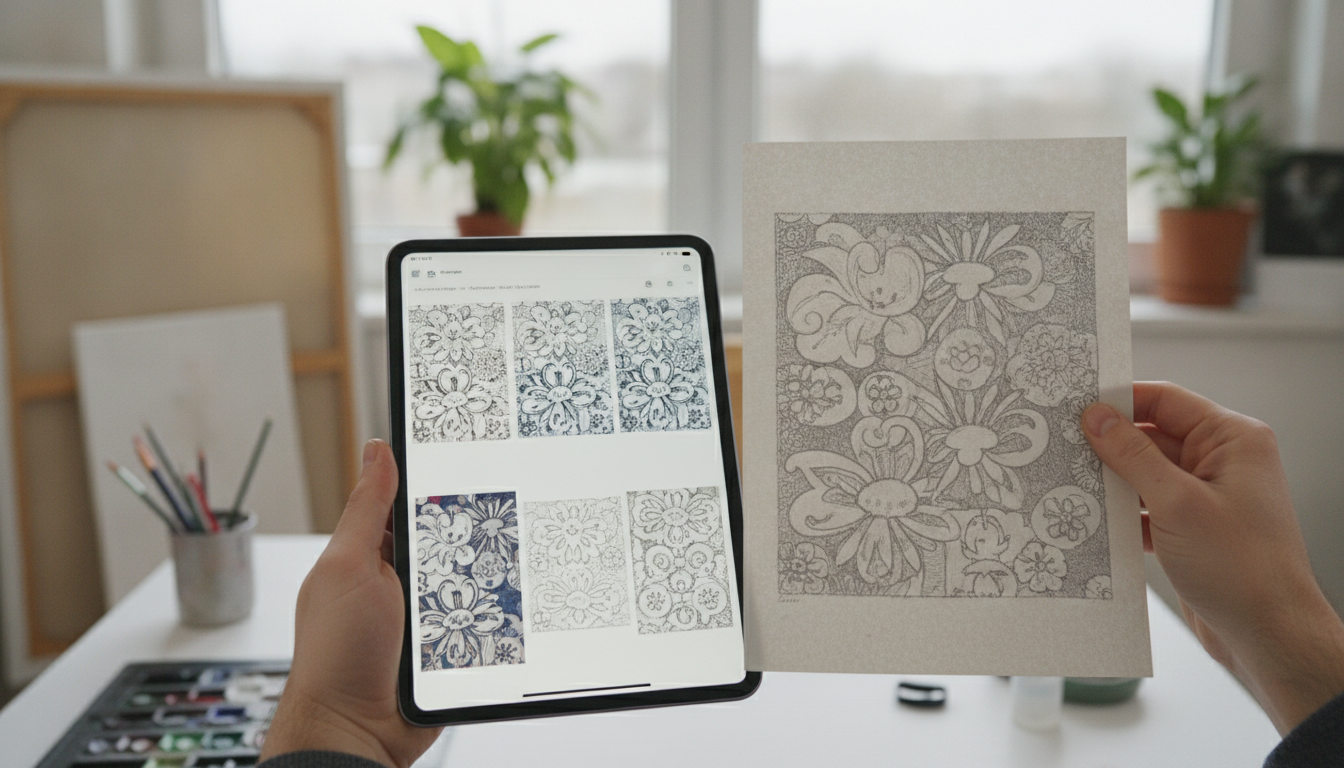
Zoom in on hands, lettering, jewelry, patterns, and backgrounds: inconsistent details or shapes that seem to merge can be clues that an image was AI-generated, although human-made and heavily edited art can have odd details too. Compare several pieces from the same shop for abrupt changes in style or visual quality, keeping in mind that artists may work in multiple styles and techniques.

Read How the Art Was Made
Look for a description of the medium and process, such as watercolor on paper, digital illustration, photography, or an explanation that generative AI was used. A listing that identifies a print or digital download does not, by itself, tell you whether the original image was created by a person, generated with AI, or made with a combination of tools.
Featured in this guide
Rewriting Product Descriptions with AI – SEO-Boosting eBook, Copywriting Guide for Etsy Sellers, Product Listing Makeover Workbook, Digital Download for Small Business Owners
Ask the Seller a Specific Question
If the process matters to you, send a friendly message asking how the artwork was created and whether generative AI was used for the image. You can also ask whether the seller can share a sketch, work-in-progress image, or explanation of their technique, while recognizing that an artist may not have saved or wish to share every stage.
Compare the Whole Shop
Explore the seller’s other listings and any linked portfolio or social accounts for a consistent creative history, descriptions of materials, or examples of work in progress. A large catalog or polished presentation is not proof of AI use, so weigh those observations alongside what the seller says about their process rather than relying on a single signal.
Decide What Matters to You
Some shoppers want art made entirely without generative AI, while others are comfortable with artists using AI for certain stages; decide which distinction matters before you buy. AI can also be used for writing rather than making images: our Rewriting Product Descriptions with AI eBook is a digital copywriting guide and workbook for Etsy sellers, so its subject should not be confused with evidence about how a particular artwork was made.

Watch · product page video
“Being able to understand AI tools without getting overwhelmed? Priceless”
Veliqua product page · Product review
FAQ
How to know if an Etsy seller is using AI?
Read the seller’s descriptions for details about their creative process, then compare their artwork and portfolio for context. If you’re still unsure, ask directly whether generative AI was used to create the image you’re considering.
How to find art that isn’t AI on Etsy?
Search for the medium you want, such as watercolor, woodcut, or hand-drawn illustration, and look for listings that explain how the original was made. Ask the artist about their process when you need clarification, since a medium or print description alone may not answer every question about AI use.
See if Rewriting Product Descriptions with AI – SEO-Boosting eBook, Copywriting Guide for Etsy Sellers, Product Listing Makeover Workbook, Digital Download for Small Business Owners fits your setup




Leave a comment