
Can I Create Two Email Accounts? A Simple Guide
Can I Create Two Email Accounts? A Simple Guide

Can you create two email accounts?
Yes, you can create two separate email accounts, whether you choose the same email provider for both or use a different provider for each. Each account has its own email address, inbox, and sign-in credentials, so you can keep messages separate and decide which address to share in different situations.
For example, you might use one address for personal conversations and another for work, online purchases, or a side project. Having separate accounts can make it easier to organize incoming messages, although you will need to manage the security and recovery settings for each one.
Featured in this guide
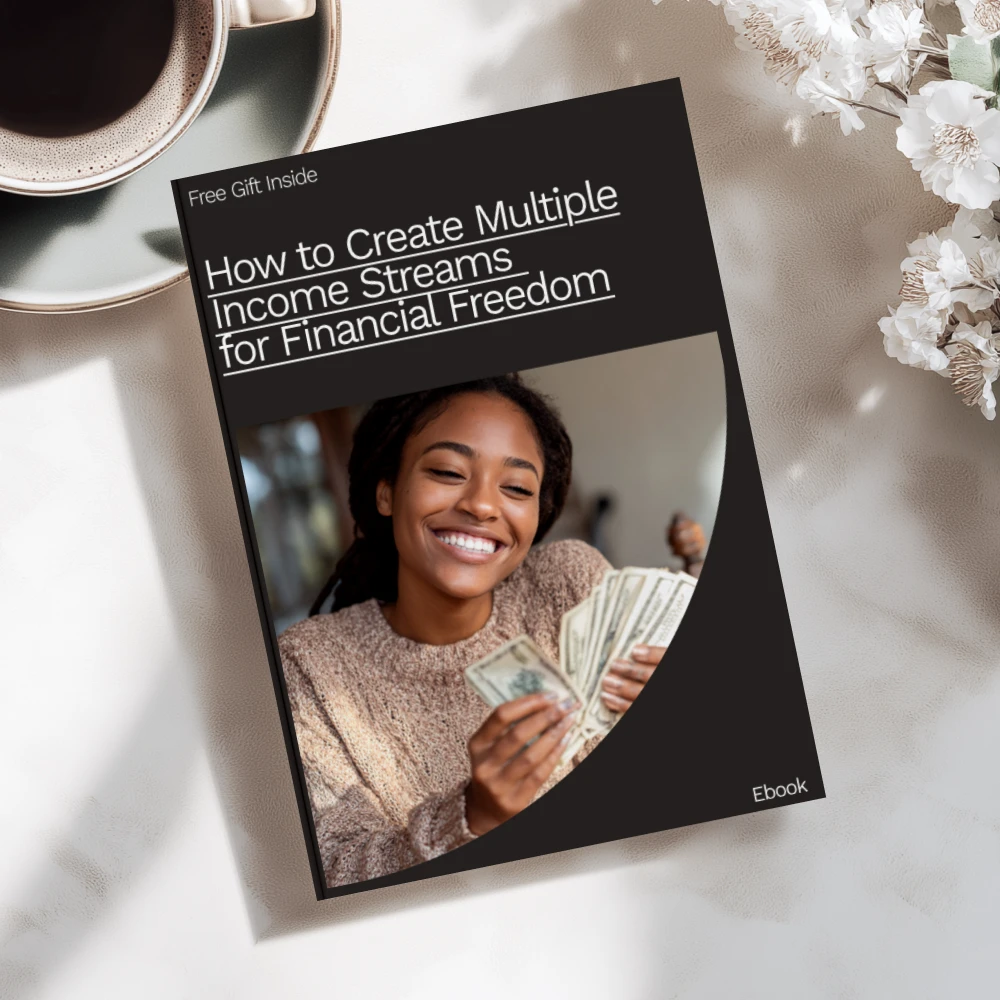
How to Create Multiple Income Streams for Financial Freedom – eBook Guide to Building Your Wealth
Using two accounts day to day
You can check your accounts separately in a browser, or add both to an email app that supports multiple accounts so you can switch between inboxes. Before sending a message, check the sender address to make sure you are replying from the account you intended to use.
If you use one account for financial or business-related messages, decide which notifications you want and review that inbox regularly so important messages do not go unnoticed. Our How to Create Multiple Income Streams for Financial Freedom eBook guide is available if you are also exploring ways to build multiple income streams.
FAQ
How do I create a second Gmail account if I already have one?
Go to Google’s account creation page, or select your profile icon in Gmail and look for the option to add another account. Choose to create an account, then follow Google’s prompts to select an available address and complete setup.
Can I have two separate email accounts on my iPhone?
Yes, you can add multiple email accounts to your iPhone and use them separately in the Mail app. Open Settings, find the Mail account settings, and add each account using its provider’s sign-in instructions.
See if How to Create Multiple Income Streams for Financial Freedom – eBook Guide to Building Your Wealth fits your setup


Leave a comment