
How to Create Multiple Emails at Once: A Simple Guide
How to Create Multiple Emails at Once: A Simple Guide

Decide What You Want to Create
Creating multiple emails can mean setting up several email accounts or writing several messages to send, so start by deciding which task you need to complete. If you want separate addresses for personal use, work, or a project, you may need multiple accounts; if you want to contact several people, one account can usually send multiple messages.

Create Multiple Email Accounts
To create two or more personal accounts, visit your chosen email provider’s sign-up page, complete the registration form for the first account, and repeat the process for each additional account. Choose a distinct address and strong password for each one, and follow any verification steps or account limits the provider presents during registration.
For a business or organization, an administrator may be able to add several users through an email service’s administration tools, sometimes by uploading a spreadsheet or CSV file. The available method depends on the service and plan, so review its user-management instructions before preparing your list of names and addresses.

Featured in this guide
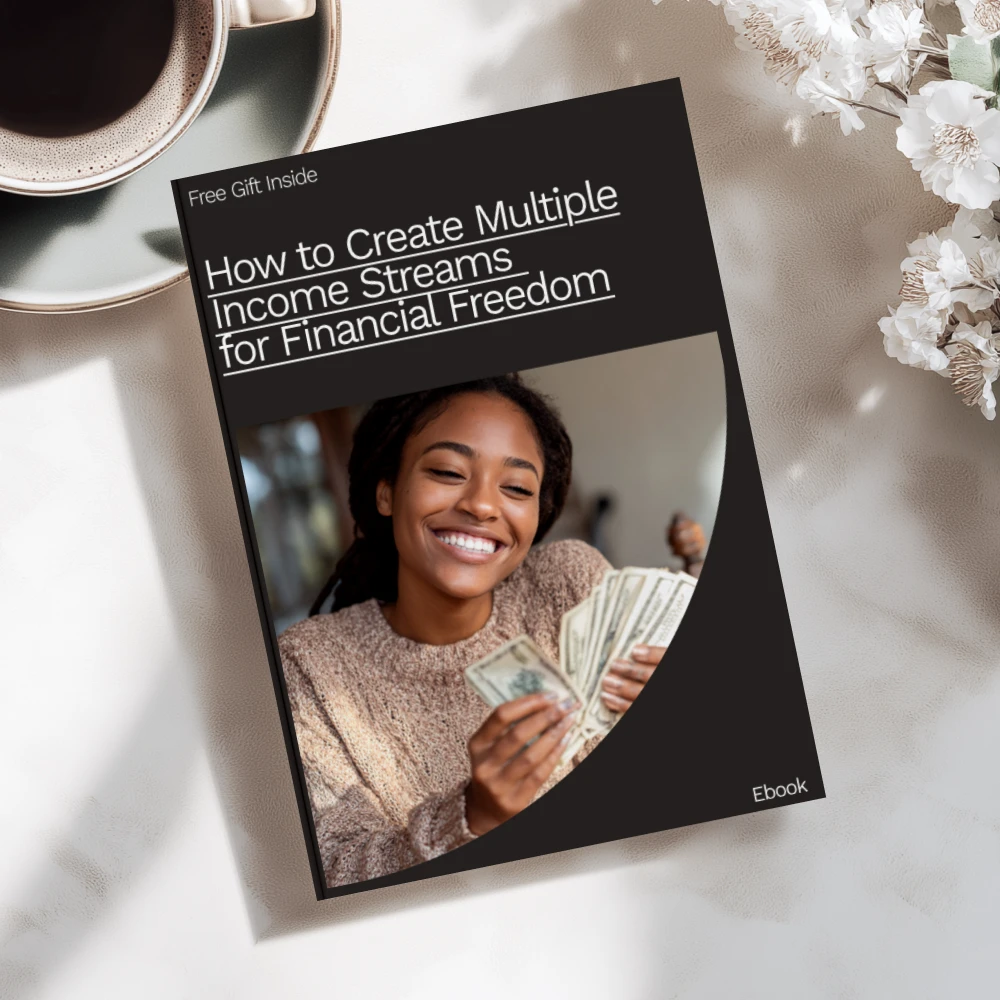
How to Create Multiple Income Streams for Financial Freedom – eBook Guide to Building Your Wealth
Send Multiple Email Messages
If you need to send the same update to several people, you can compose one message and add recipients in the appropriate address field; use BCC when recipients should not see one another’s addresses. For personalized messages, consider a mail-merge tool that combines a template with a contact list, and preview the results before sending to make sure names and other details appear correctly.
Keep your contact list current and send messages only to people you have a valid reason to contact. For larger campaigns, review your email provider’s sending limits and applicable rules before you begin, since sending many messages at once may be restricted.
Keep Your Accounts Organized
We suggest deciding which address you will use for each purpose and storing your passwords securely, so you can find the right inbox without reusing credentials. Turn on two-factor authentication where available, and keep recovery information current to help you regain access if you are locked out.
If you are organizing accounts for different business ideas, our How to Create Multiple Income Streams for Financial Freedom eBook guide is another resource you can explore. Separate email addresses can help you distinguish correspondence for those projects from your personal messages.
FAQ
Is there a way to create multiple emails at once?
Some business email services let administrators create multiple user accounts in a batch, including through a CSV upload. For personal accounts, you may need to complete registration separately for each address.
Can I create two email accounts?
Yes, you can generally create two email accounts by registering each address with an email provider. Use a different strong password for each account and complete any verification the provider requires.
See if How to Create Multiple Income Streams for Financial Freedom – eBook Guide to Building Your Wealth fits your setup


Leave a comment